
Oya
OYA: Free Countdown Timer
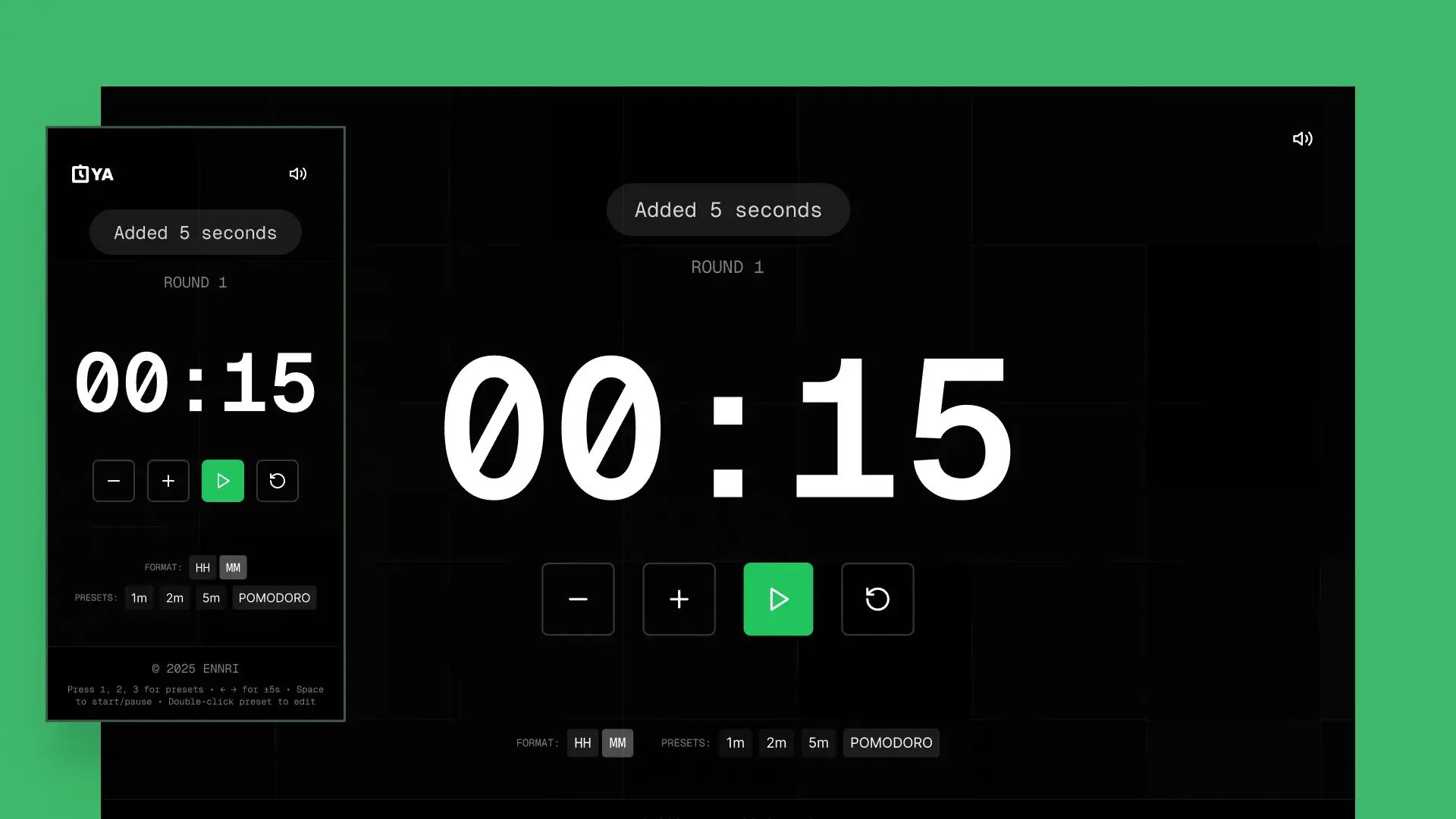
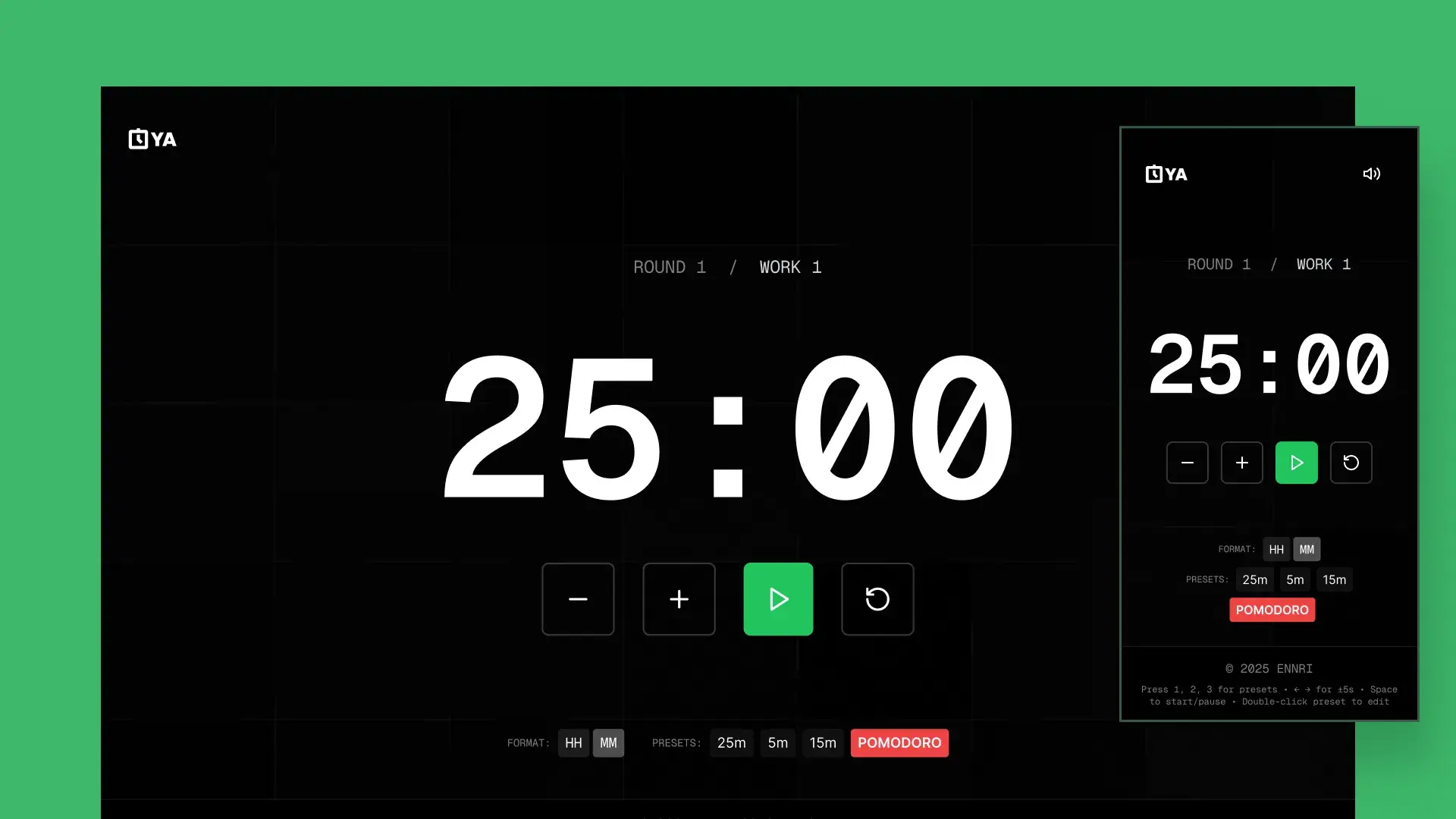
A keyboard-first countdown timer with Pomodoro mode, colour-coded urgency states, and audio cues. Designed and built as my first AI-assisted project.
Project details
- Stack
The story
The first project where I used AI as a building partner. Learning to design in code instead of designing then coding.
OYA started as a simple need: a countdown timer that felt focused and intentional, not cluttered with ads and unnecessary features. Every free timer online felt like it was designed by committee.
More importantly, this was the project where I first explored AI-augmented development. Instead of designing in Figma first, I worked directly in code, using AI to rapidly prototype ideas, iterate on interactions, and ship a polished product in a fraction of the usual time. It changed how I think about the design-to-code pipeline.
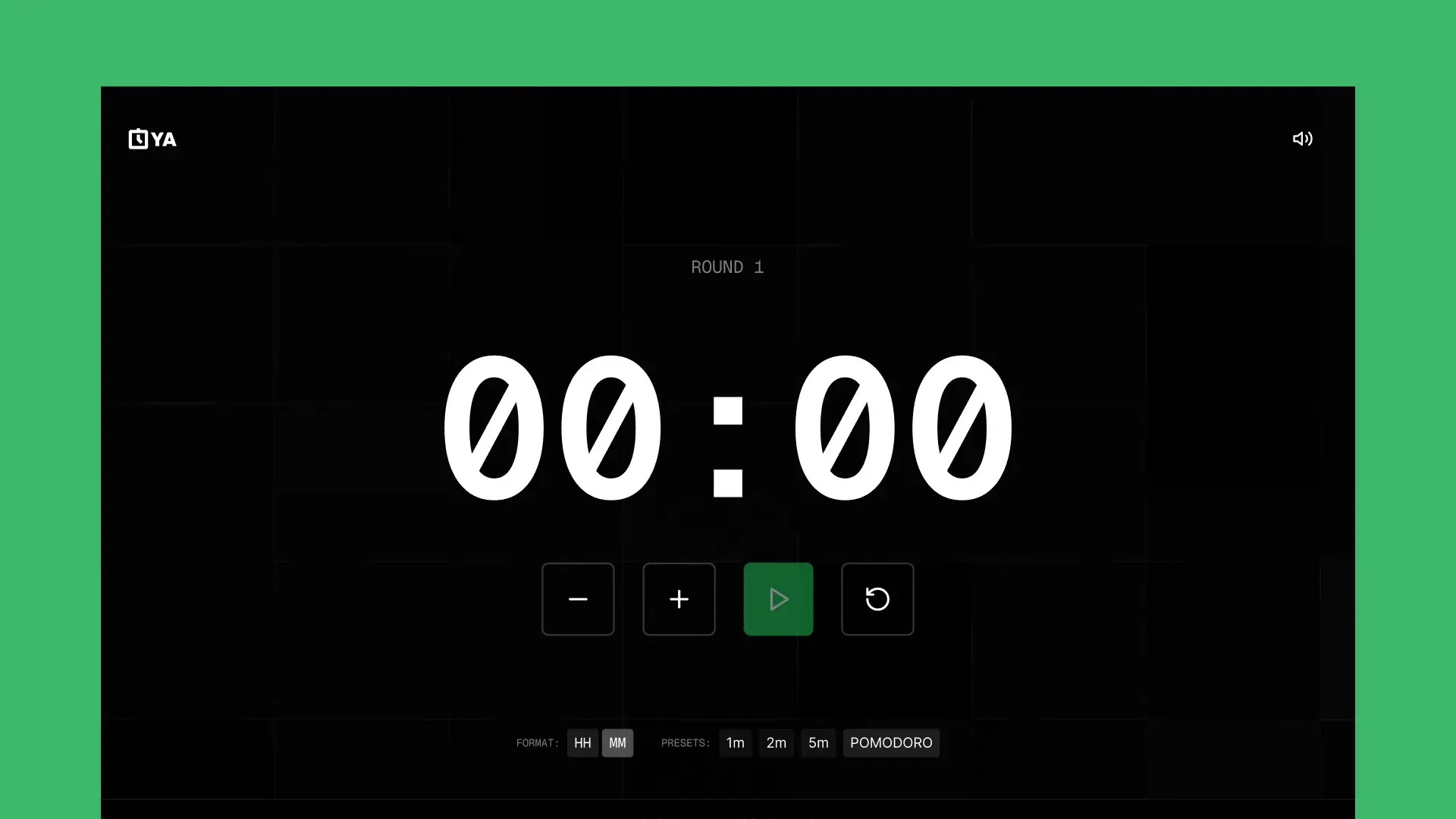
The result is a tool I use every day: dark, distraction-free, keyboard-driven, and honest about time running out.
This was my first project learning to incorporate AI into my design process. Before OYA, my workflow was strictly Figma → handoff → code. Building this taught me that when a designer can move directly into implementation, the feedback loop shrinks from days to minutes. That insight reshaped every project that followed, from Trainest to Spotta to The Seed Protocol.
Keyboard-first UX
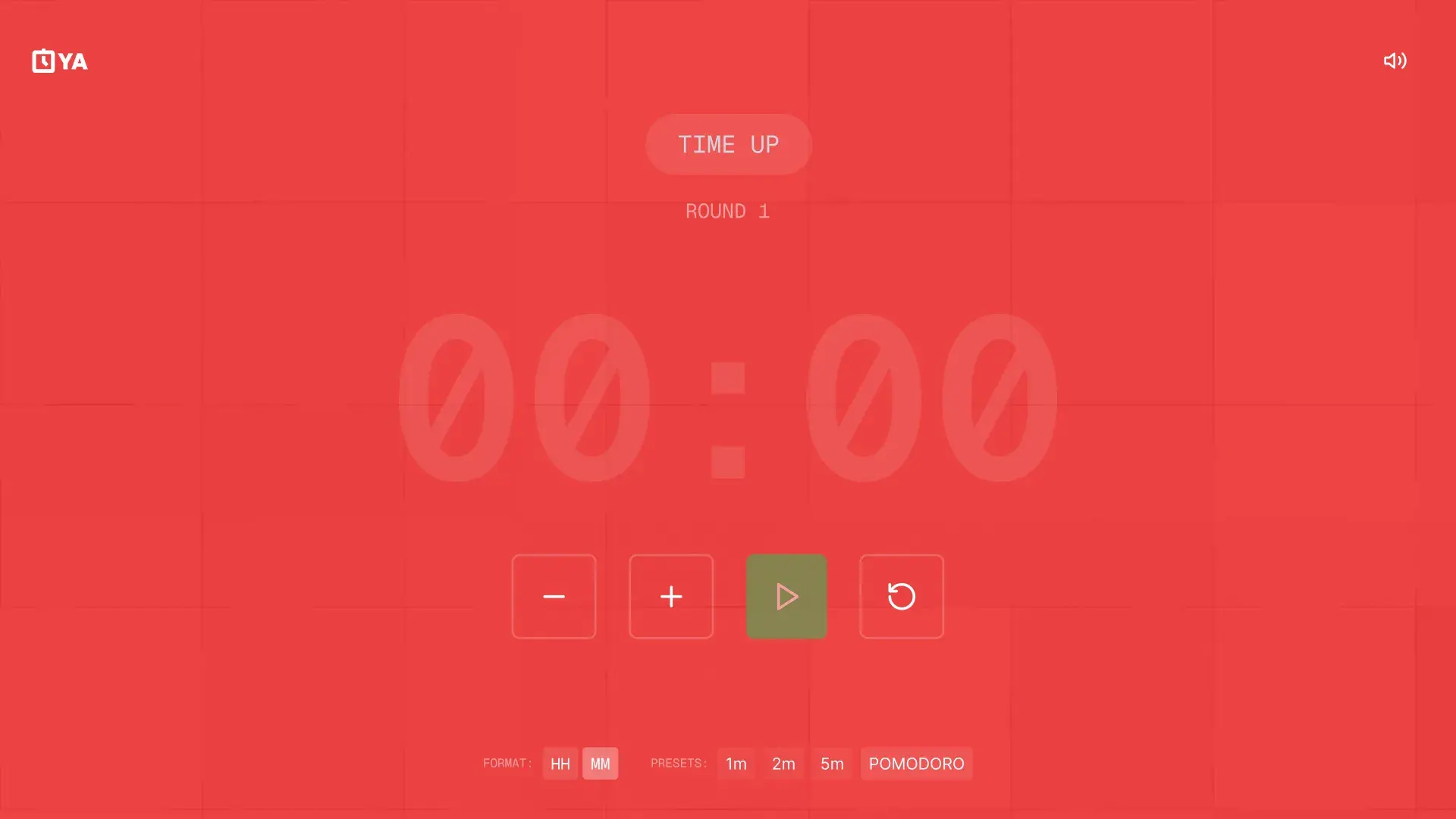
Colour-coded urgency
Pomodoro mode
The platform
Design decisions
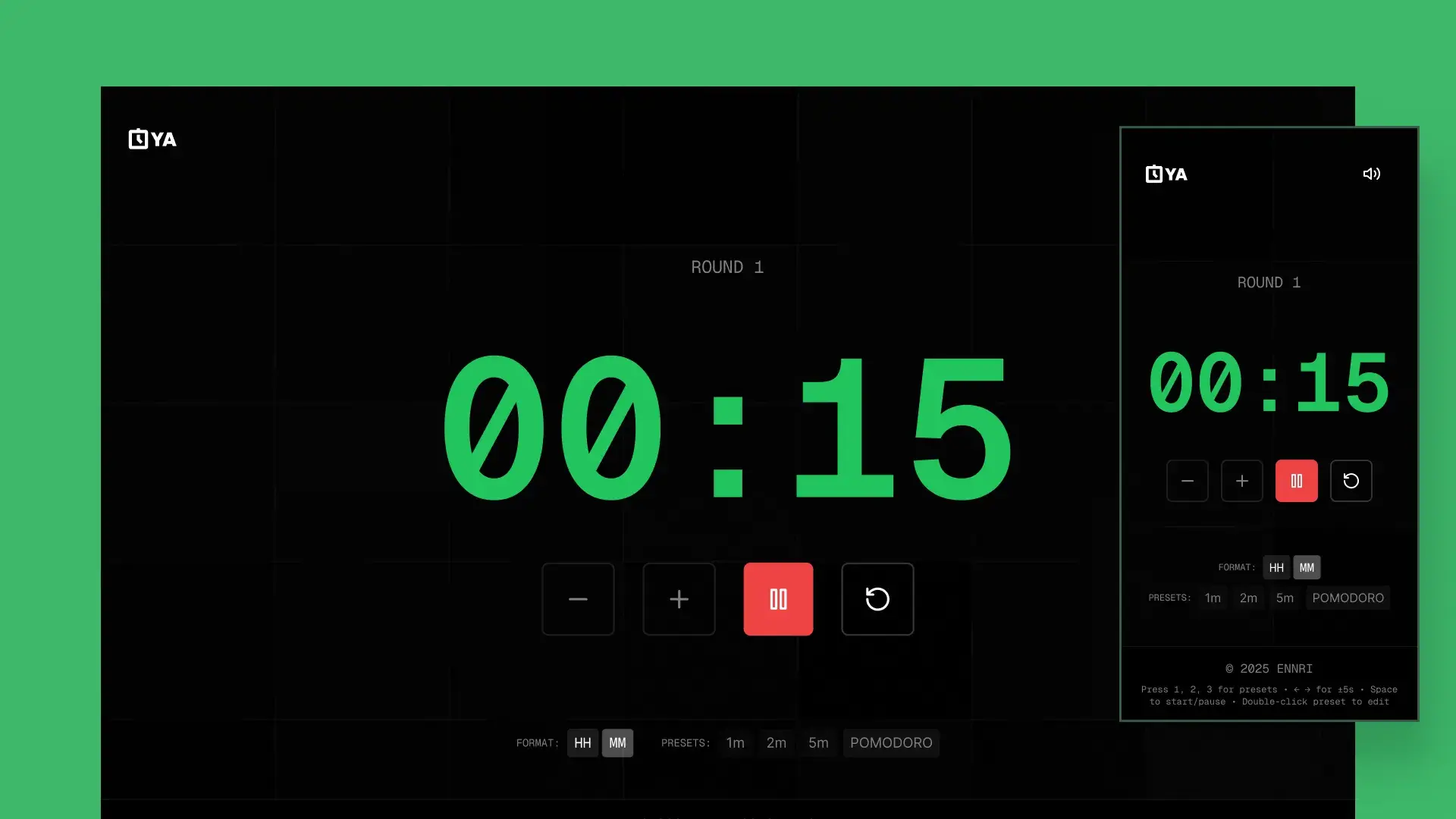
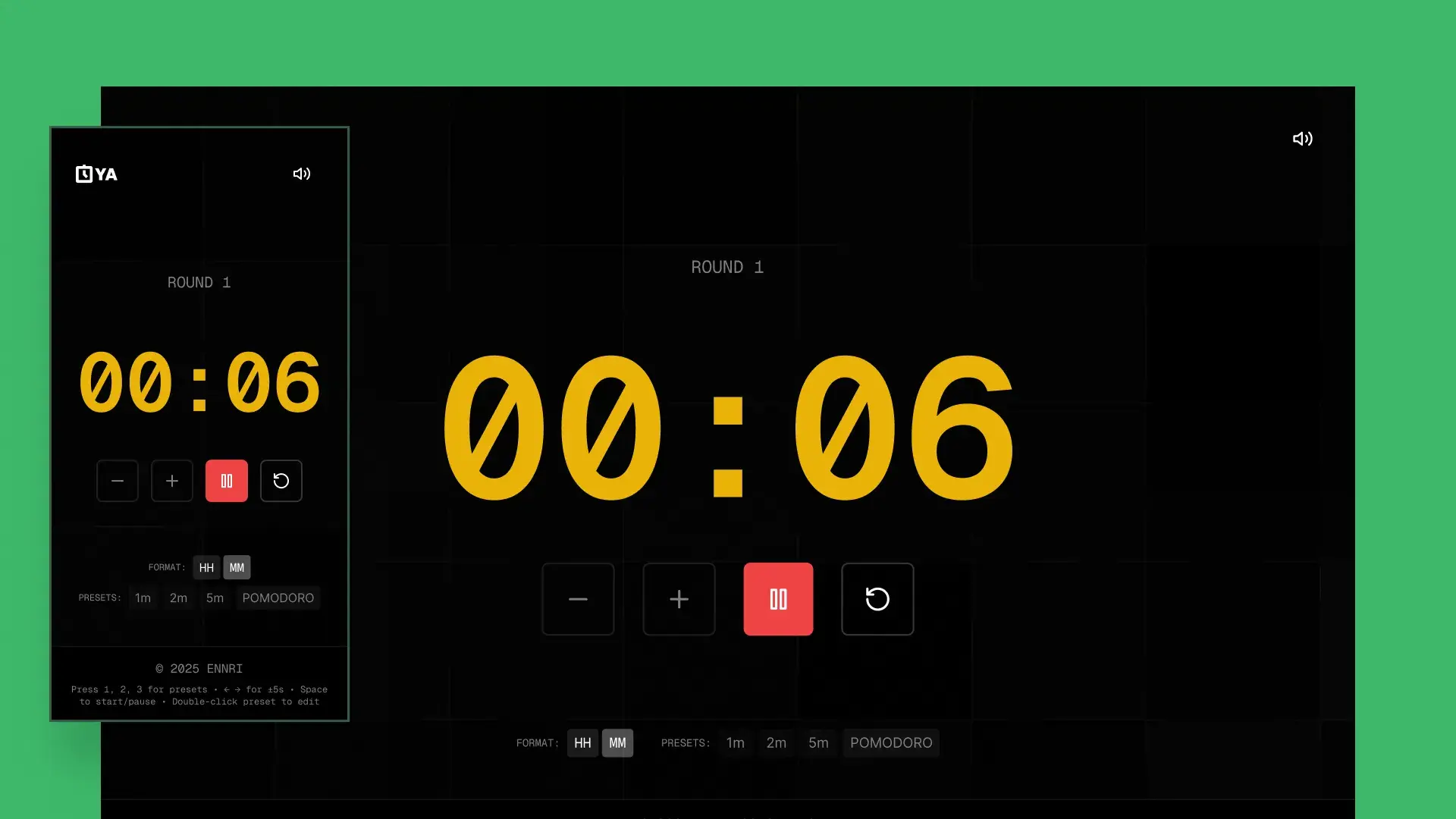
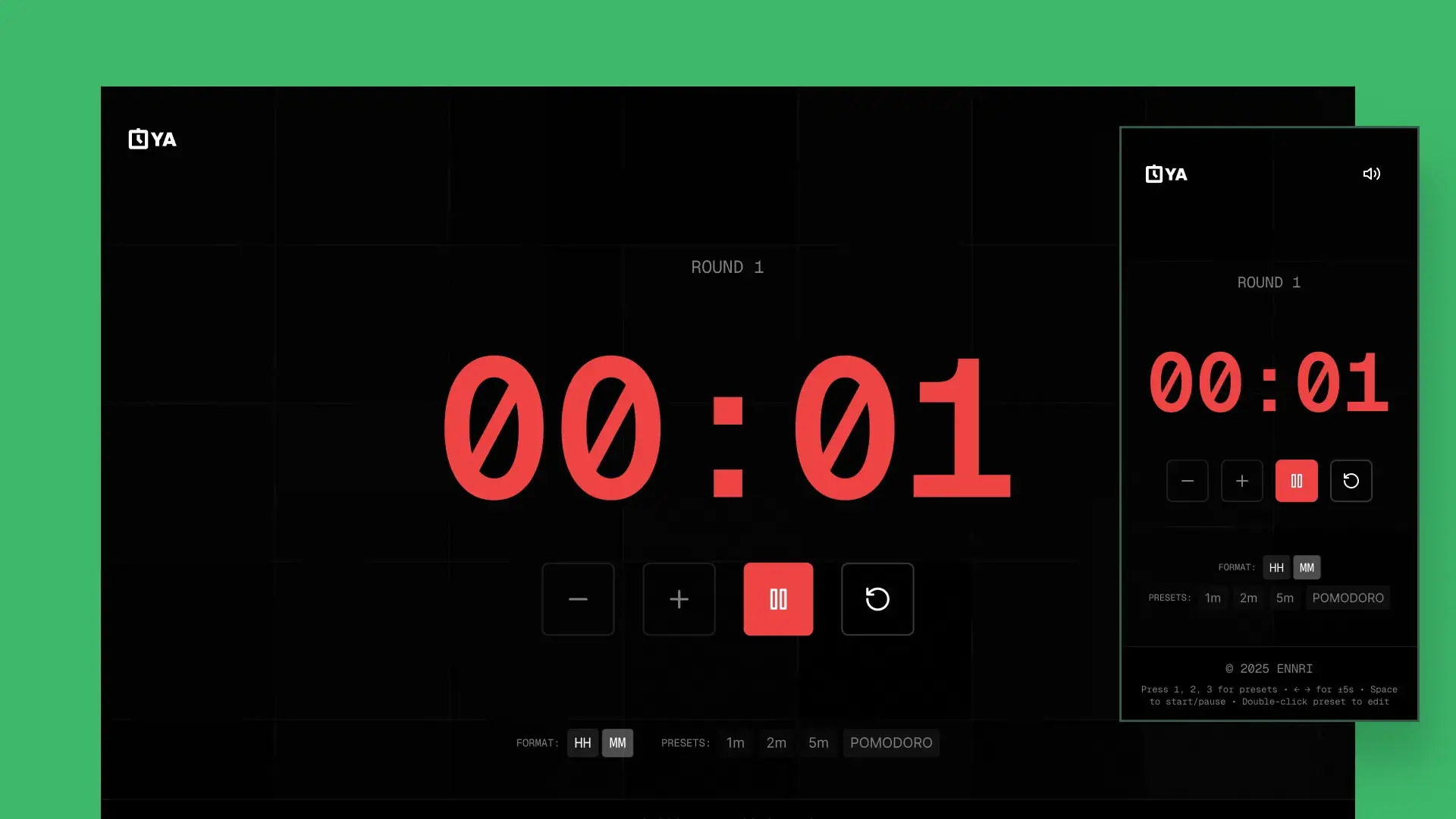
Colour as communication: urgency states
- Safe12:45
- Warning00:06
- Critical00:01
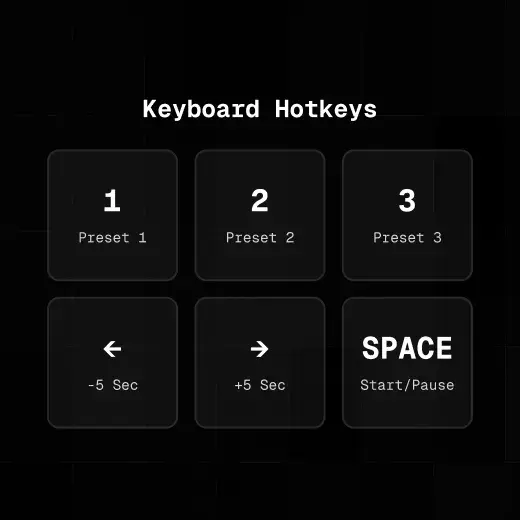
Keyboard-first, not mouse-optional
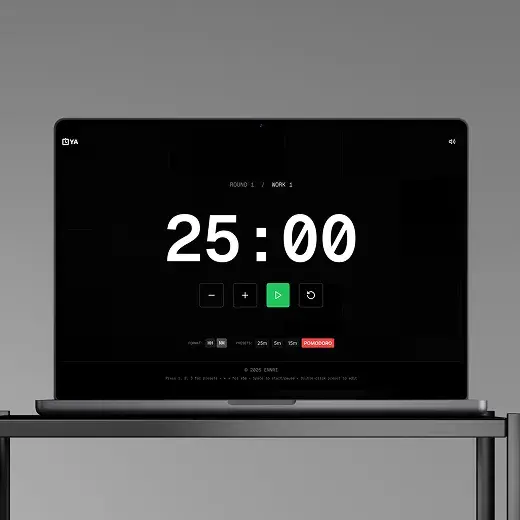
Dark by default, distraction-free
Tech stack
Built with
- Core
- Audio
- UX
- AI workflow
The journey
The project that changed my process
OYA was small in scope but massive in impact. It was the proof-of-concept that a designer could use AI to skip the handoff entirely: going from idea to live product in a matter of days rather than weeks.
AI accelerates, it doesn’t replace
The design decisions (colour states, keyboard-first UX, dark-by-default) were mine. AI handled the scaffolding; I made the choices that mattered.
Designing in code is designing faster
Iterating directly in the browser gave me feedback in seconds that would have taken hours through a Figma → dev cycle.
Simple products need careful design
With only one screen, every pixel carries weight. The colour transitions, the keyboard mapping, the toast feedback. These are small decisions that define the entire experience.